
Articles
All product information clearly organized in one place.
Effective article management starts with complete, reliable, and up-to-date product information. With Pimmix, you manage article data centrally and stay in control of product attributes, product variants, and the relationships between them.


All product information in
one place
Take control of your product range
A complete product range requires more than just product data. Think technical specifications, product descriptions, classifications, images, and related products. When this information is spread across different systems and files, keeping everything up to date and consistent takes a lot of time. Pimmix brings your product information together in one central platform. You can combine, enrich, and manage product data from different sources.
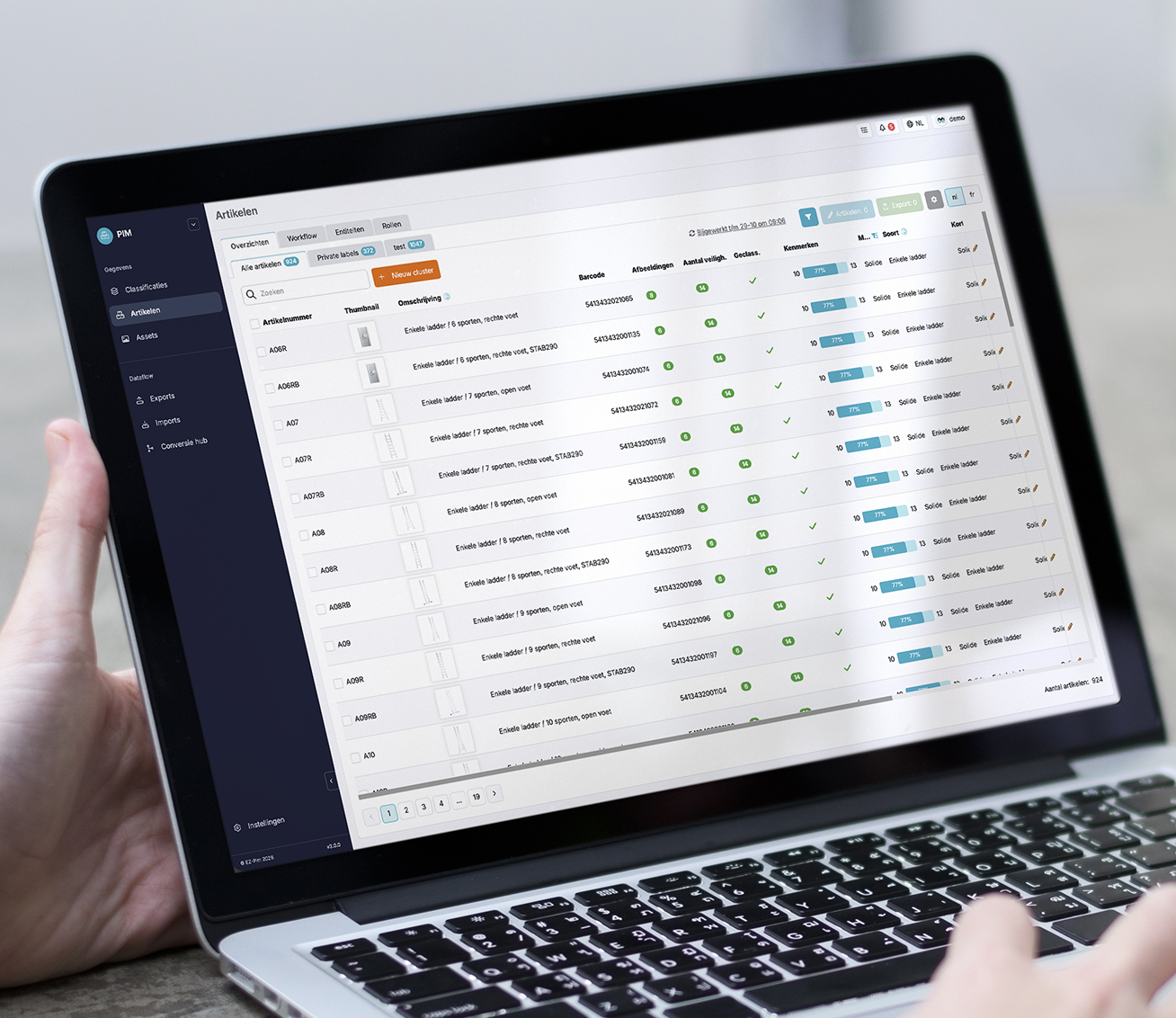
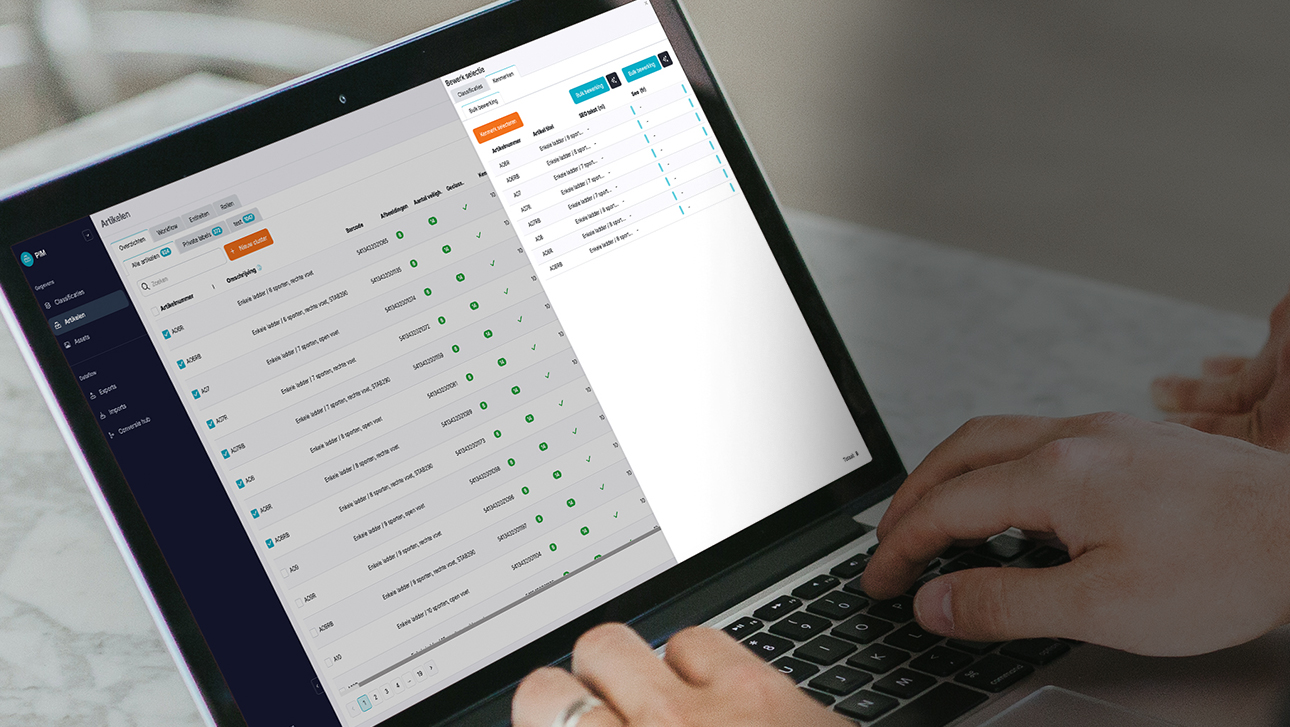
View your products and their attributes in one clear matrix. Products appear in the rows, while the columns show the different product attributes. This lets you see at a glance what data is available and where information is missing.
You can edit values directly, filter by attribute, and edit multiple products at once. This makes managing large product ranges much easier. Whether you want to change a few attributes or manage large numbers of products, Pimmix fits the way you work.
Article management at a glance
Currently available features:



Revolutionizing PIM with AI
AI is not just a trend; it is a transformative force in product information management. AI ensures that your product information is always accurate and consistent across all platforms, reducing errors and improving customer trust.
Automating routine tasks with AI saves time and resources, allowing your team to focus on high-value activities. AI can analyze vast amounts of data and provides actionable insights that support better decision-making and strategic planning.

Working with the matrix in an organized way
View your items and their associated attributes in one clear matrix.
Manage attributes your way
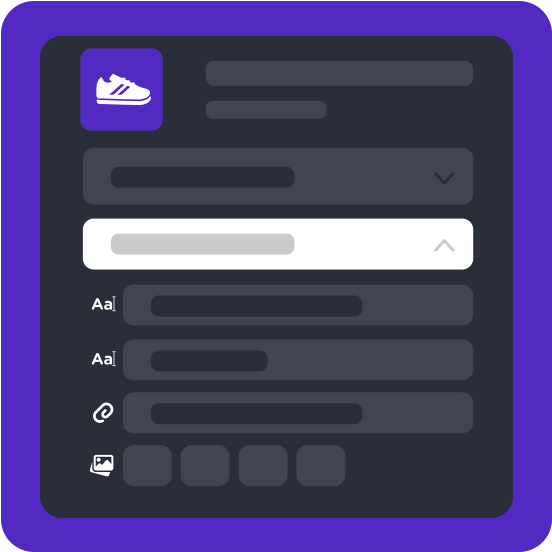
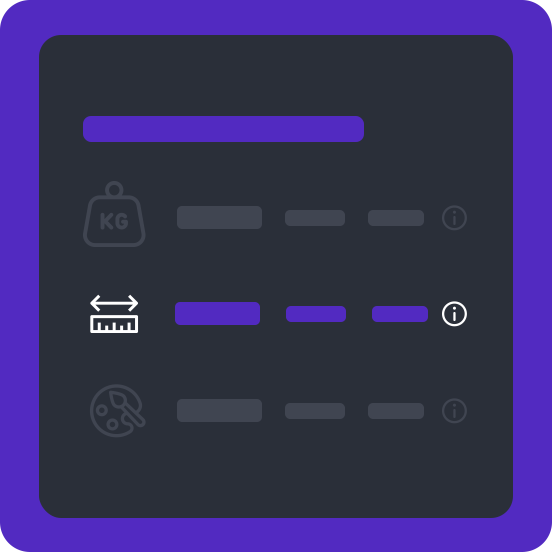
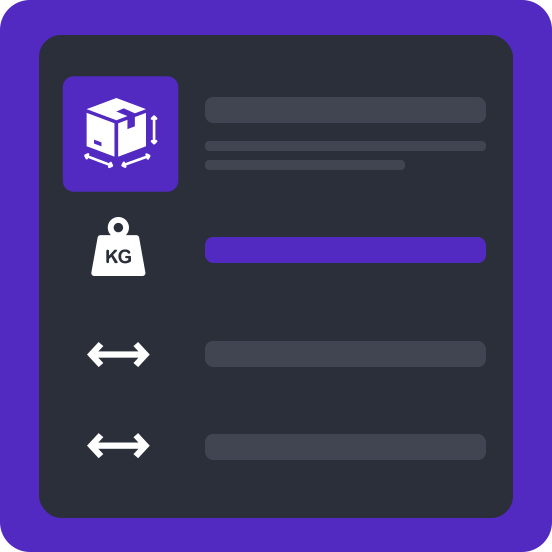
In Pimmix, you decide which attributes are relevant and how to organize them.
Make changes quickly
With bulk actions, you can change the attributes of multiple selected items at once.
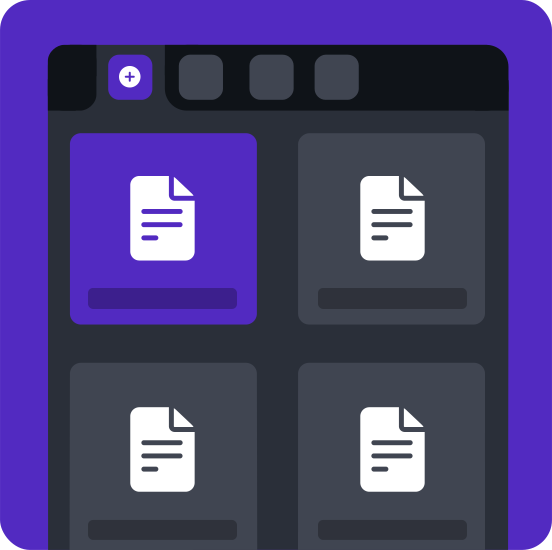
Working with personal tabs
Create tabs for articles that still need additional content, such as missing images
Frequently asked questions
Do you have a question about items in the PIM system?
Chances are you'll find the answer among our frequently asked questions. We've put together a clear list of the most common questions and answers so you can quickly find the information you need.
Can't find your question? Feel free to contact us. We're happy to help.
-
In Pimmix, you can manage all relevant product information in one central place. This includes
- Product attributes
- Descriptions
- Technical specifications
- Classifications
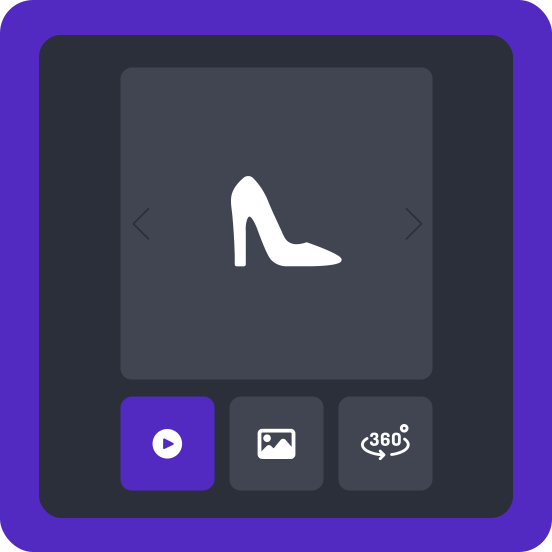
- Images
- Documents
- Prices
- Product relationships.
As well as additional information, such as:
- marketing copy
- SEO data
This keeps all the information for each item together in one clear overview.
-
Yes! With the bulk feature in Pimmix, you can manage and edit multiple items at once. Products are clearly displayed in rows, with their corresponding product attributes in columns. You can change values directly, filter by specific attributes, and make changes in bulk. This saves you time when managing large numbers of items.
-
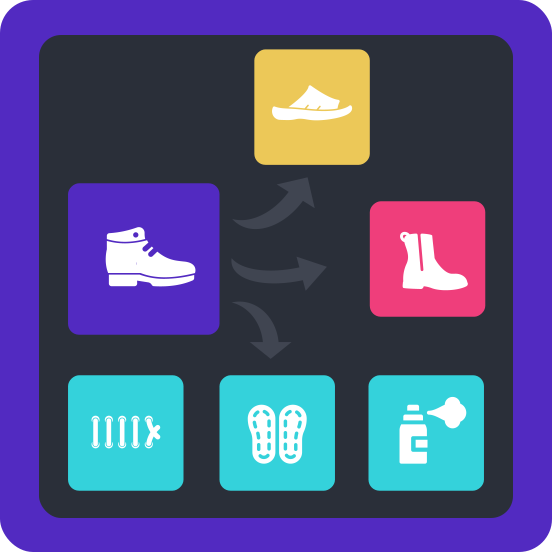
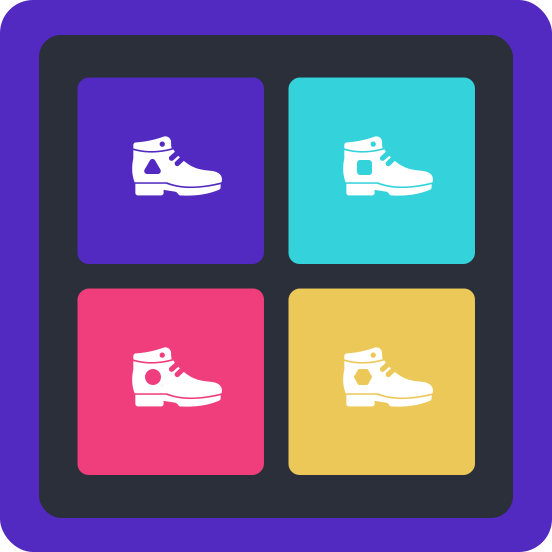
Yes. In Pimmix, you can use product relationships to link items and variants. For example, a product may be available in different sizes, colors, or versions. This helps you keep track of their relationships and manage the associated product information centrally.
-
Yes! Pimmix can bring together product information from various sources, such as ERP systems, data pools, and other external sources. Using the Golden Record principle, you combine this data into a single reliable product record. You can decide which source takes priority when information conflicts. Manually entered data can also be included.
-
In the Pimmix view, you can see at a glance which product data is available and which is still missing. Products are shown in rows and attributes in columns. This makes it easy to spot empty fields and incomplete product information. You can then fill in the missing data directly from the matrix or update multiple items at once.
-
Yes. In Pimmix, you can attach different types of files to your items, such as product images, manuals, technical drawings, pictograms, and other documents. You can manage these files centrally and link them to a specific item, a product group, or multiple products. This makes all relevant product information, including associated files, easy to find.