
The ConversionHub
Send or receive data in one central place. Automatically convert product data into any format you need. No more duplicate work, manual adjustments, mismatches, or frustration.



The fast track to better results
Move product data automatically
Collect, classify, normalize and deliver product information. Always automatically and in precisely the format your systems or partners need.
Whether you collect data from suppliers, systems or data pools, or deliver it to customers, platforms or partners, the Hub handles everything from one central place.
Convert your product data into the right structure and format for every need, whether for a system, data pool, trading partner or marketplace. Automatically deliver accurate, clean data without manual work or duplicate effort.
Already have a PIM? Perfect. Conversion Hub integrates seamlessly and makes it smarter.
How does it work?
These are the key steps to get your data ready to use.
Key steps
-
1. Classify
 Classify if necessary
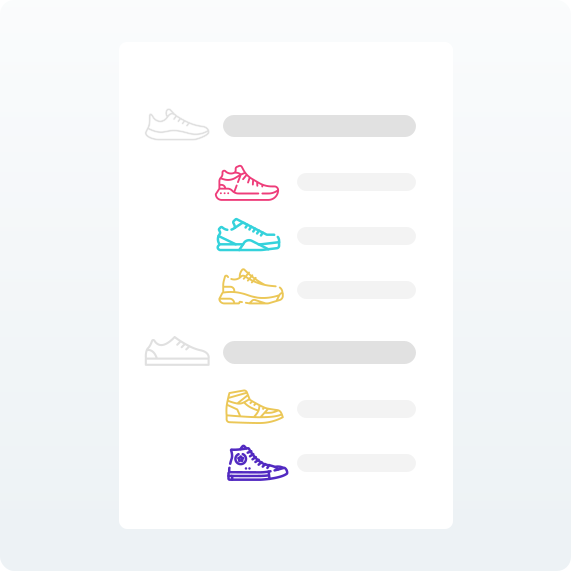
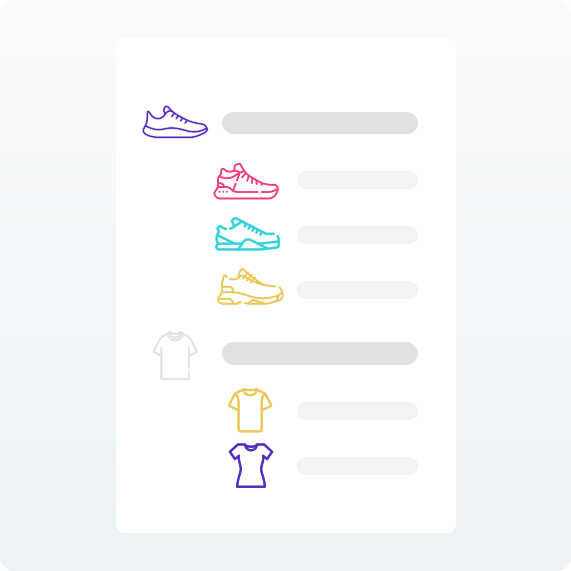
Organize product data by grouping items based on similar characteristics, using standard classification models (such as ETIM) or your own internal product groups. This structure ensures that each group contains the right data and makes collecting, validating, and delivering data easier and more consistent.
-
2. Normalize
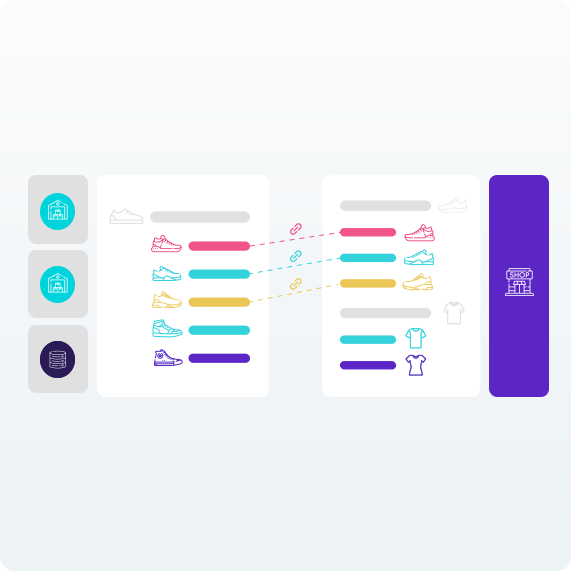
Normalize product dataThe next step is to map data fields, such as "product weight" or "SEO title", to the corresponding fields. During normalization, values and units can also be converted to the format required by the destination, such as converting grams to kilograms or adjusting text formatting.
-
3. Validate
Validated product dataAfter normalization, the product data is checked for completeness, accuracy, and structure. Validation ensures that the data meets all the requirements of the chosen classification model or format, so it is ready for use, delivery, or integration.

-
4. Use
 Provide or receive ready-to-use product information
Send or receive product data in the correct format and structure, exactly as required by systems, partners or platforms. Use validated data with confidence, whether for your own processes or to meet external requirements.



Deliver product data automatically
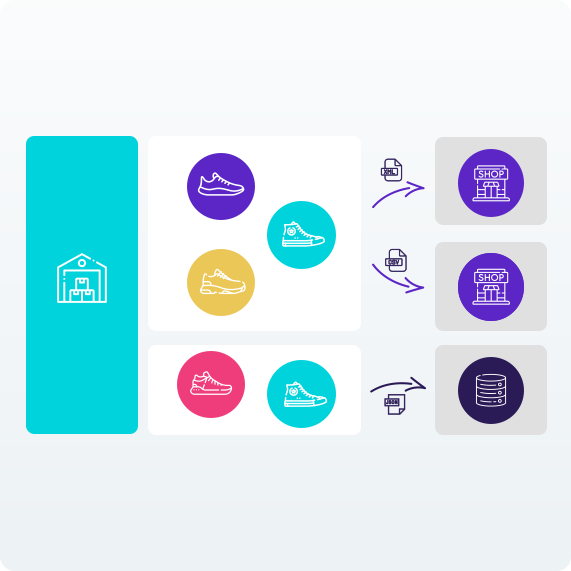
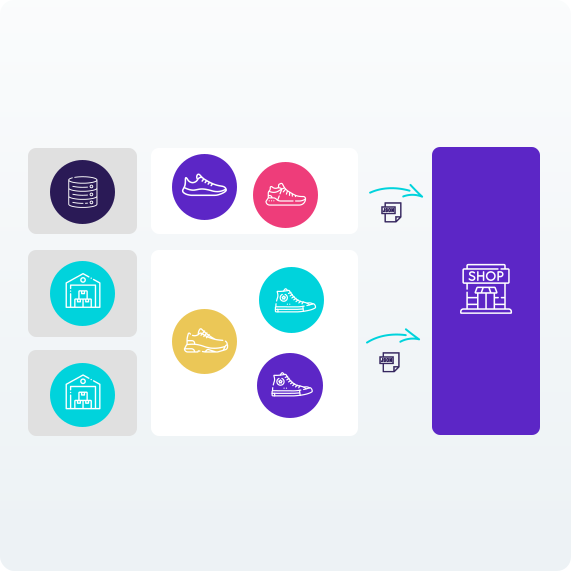
Convert and send product information in exactly the structure and format each recipient expects. Whether it’s a retailer, data pool, or custom system. Convert your data automatically, stay consistent, and eliminate manual work.

Collect product data effectively
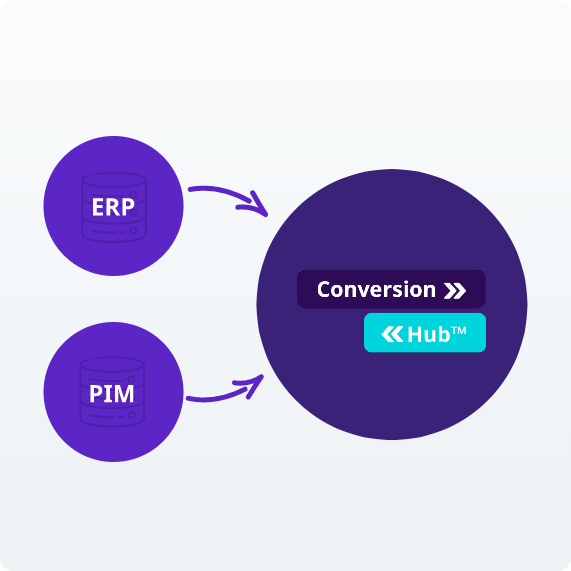
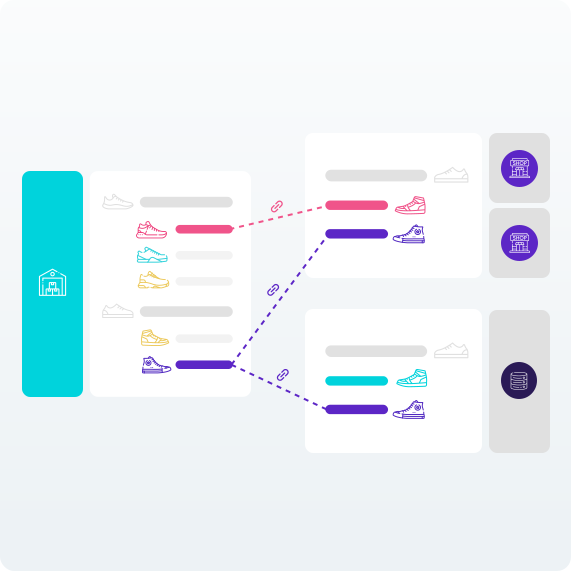
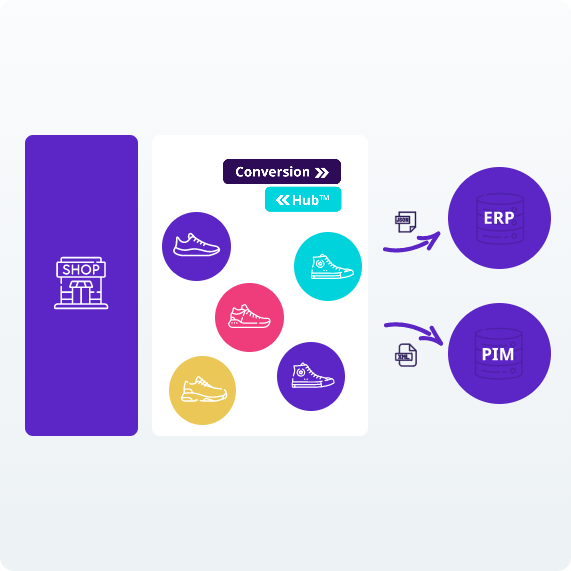
Define your preferred structure and receive product data from suppliers, partners, or systems. All information is automatically converted and aligned, whether the source is external or internal. The data flows directly into your structure and is immediately ready for use across different systems and channels.


Frequently asked questions
Do you have a question about the ConversieHub in the PIM system?
Chances are you'll find the answer in our frequently asked questions. We've put together the most common questions and answers in one place, so you can quickly find the information you need.
Can't find your question? Feel free to contact us. We're happy to help.
-
The ConversionHub is a feature within Pimmix that lets you automatically convert product information into different standards, formats, and structures. You can collect, classify, normalize, and validate product data before sending it to systems, data pools, trading partners, or marketplaces, for example. This ensures that product information is always available in the correct format.
-
Different systems, suppliers, and trading partners often use their own formats, structures, and requirements for product information. Without conversion, you regularly have to adjust data manually, which takes time and increases the risk of errors. The ConversieHub automates this process. This prevents duplicate work, reduces the risk of discrepancies, and ensures that product data can be easily exchanged between different parties and systems.
-
With ConversieHub, you can convert various types of product information, such as product attributes, technical specifications, weights, dimensions, classifications, and other item data. You can also map data fields to one another and convert values or units to the desired format. For example, you can convert weights from grams to kilograms or adapt text fields to meet the requirements of a receiving system.
-
Yes. The ConversieHub is part of Pimmix and complements the management of your product information. You can use it to collect product data from various sources, edit it, and make it available in the right format. Even if you already use another PIM system, the ConversieHub can complement your existing setup.
-
The ConversieHub connects to your existing data flow and helps exchange product information between different systems and parties. You can collect data from suppliers, ERP systems, and data pools, for example. This data is then classified, normalized, and checked for completeness and accuracy where necessary. You then deliver the validated product data in the format required by the receiving party. This makes the exchange of product information automatic and structured.