
Classifications
A large product range calls for a clear structure. With classifications in Pimmix, you can organize products into groups and subgroups, making product information easy to manage and find.



A structure that fits
your product range
Link your own structure to standards such as EZ-base and ETIM
Whether you use your own classification structure or standards such as EZ-base and ETIM, Pimmix gives you the flexibility to organize your product data in a way that suits your organization. By using classifications effectively, you work more efficiently, maintain an overview of your product range, and ensure that product information meets the needs of different sales channels.
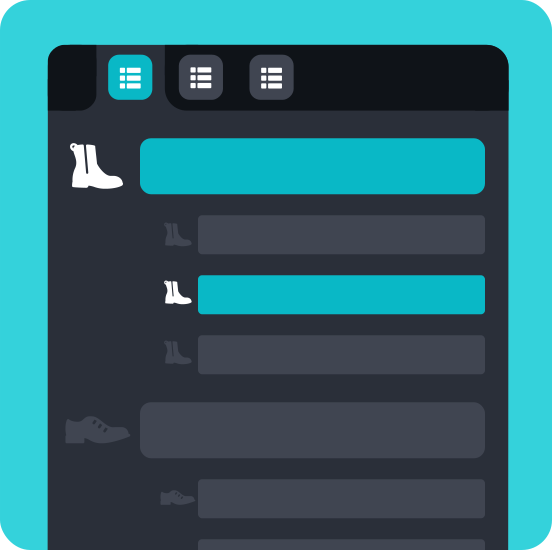
No two product ranges are the same. That’s why Pimmix lets you decide how your classifications are structured. Create multiple classification trees, choose the number of levels you need, and organize the structure around your products and processes. This helps you stay organized, even as your product range grows or changes.
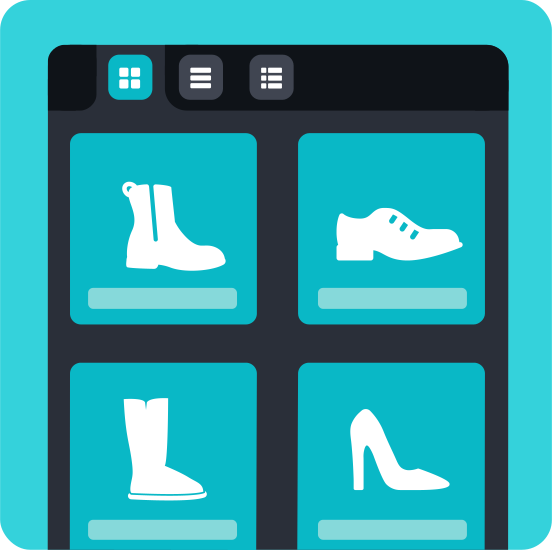
Intuitive navigation helps you quickly find the right product group. Search by keyword to go straight to the relevant classification branch, and hide groups with no items beneath them for a clearer overview.
The benefits of classifications
Currently available features:


Manage product attributes
by classification
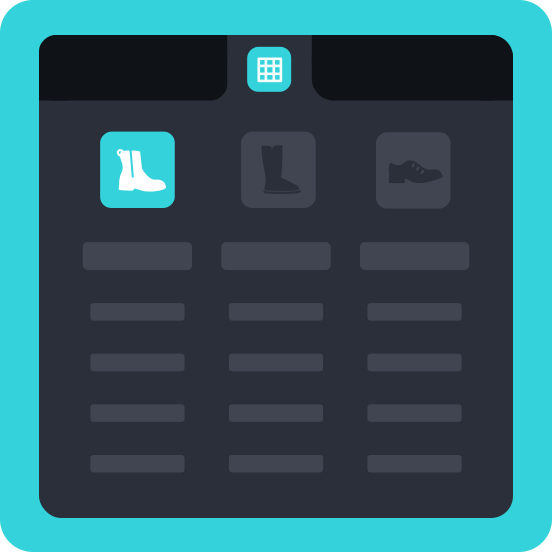
Not every product needs the same attributes. That’s why you decide which product attributes are available for each classification and what information you want to manage. For example, you can add specific attributes to a product group and adjust their order according to their importance within that category. With the inheritance feature, you can also have attribute values automatically passed on to underlying items. That way, you don’t have to enter the same information over and over again.

Work efficiently with large
numbers of products
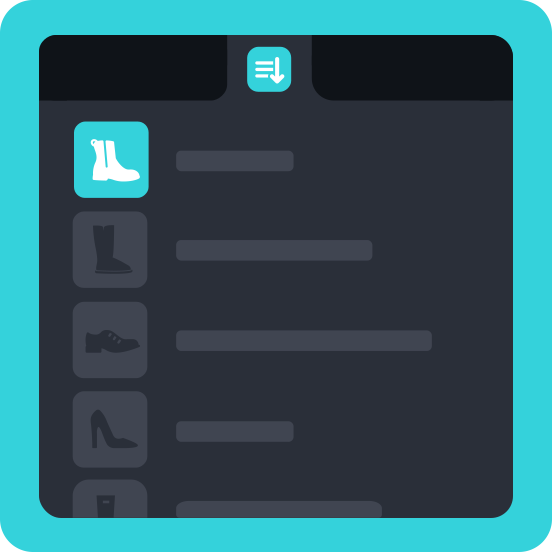
Need to classify or update many products at once? With bulk editing in Pimmix, you can select multiple items and make changes in one go. You can also easily move classifications, compare items across classifications, and manage links directly.
This saves manual work and helps you keep your product range consistent and up to date.

Frequently asked questions
Do you have a question about classifications in the PIM system?
Chances are you’ll find the answer in our frequently asked questions. We’ve put together a clear overview of the most common questions and answers so you can quickly find the information you need.
Can’t find your question? Feel free to contact us. We’re happy to help.
-
A classification is a structure that lets you organize products into groups and subgroups. This helps you keep track of your product range and manage product information and attributes by product group. It also makes it easier to find products and prepare product information for publication.
-
Yes! In Pimmix, you can manage multiple classification trees side by side. You decide how to build these structures, how many levels to use, and how to categorize products. For example, you can combine your own classification structure with external standards. You retain the freedom to adapt your product classification to your product range and business processes.
-
Yes, with the bridge technique in Pimmix, you can link your own classification structure to external classifications, such as EZ-base. You connect your own product groups to the relevant parts of the external structure. This way, you retain your own structure while also organizing product information according to the desired standard.
-
Yes. You can link product attributes to different classifications. This lets you determine which attributes are relevant for each product group. For example, dimensions, material type, or technical specifications. This helps you avoid unnecessary attributes and ensures that product information is structured consistently across your product range.
-
Pimmix makes organizing products clear and efficient. With the ability to manage multiple classification structures, classify products at different levels, and link existing classifications, you don't have to rebuild a structure every time. The keyword search function also lets you quickly navigate to the right product group. You can also hide empty product groups, so you always have a clear structure.
-
Yes. By classifying your products consistently, you can better tailor product information to the needs of different sales channels. This includes structuring product groups and managing their associated product attributes. This creates a solid foundation for efficiently preparing and distributing product information across different channels.