
Assets
Images, logos, icons and manuals are essential for complete product information. With asset management in Pimmix, you can manage, organize and link all your files from one central location. This helps you stay organized and avoid unnecessary duplicate work.


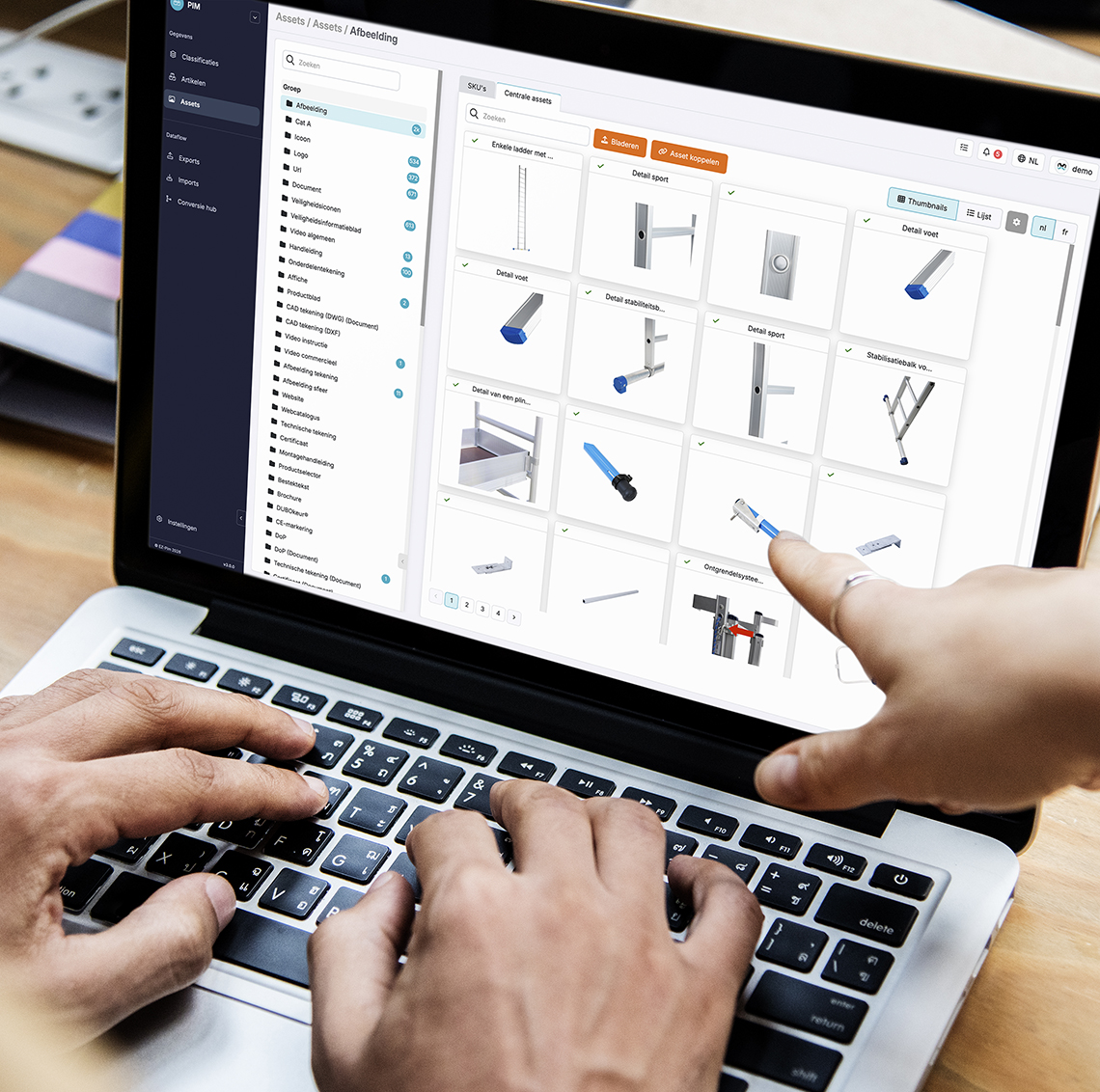
From scattered files to organized asset management
For maximum efficiency
Product information is about more than just specifications and descriptions. Images, manuals, and other files also need to be available for the right products.
With Pimmix, you manage these assets centrally. You link files to products, clusters, or SKUs and organize them into categories that fit your workflow. This helps you find the right files faster and keep your product information complete.
From product images and icons to logos and manuals: in Pimmix, you manage different types of files in one place. You can add assets to a product, cluster, or SKU so they’re available where they belong.
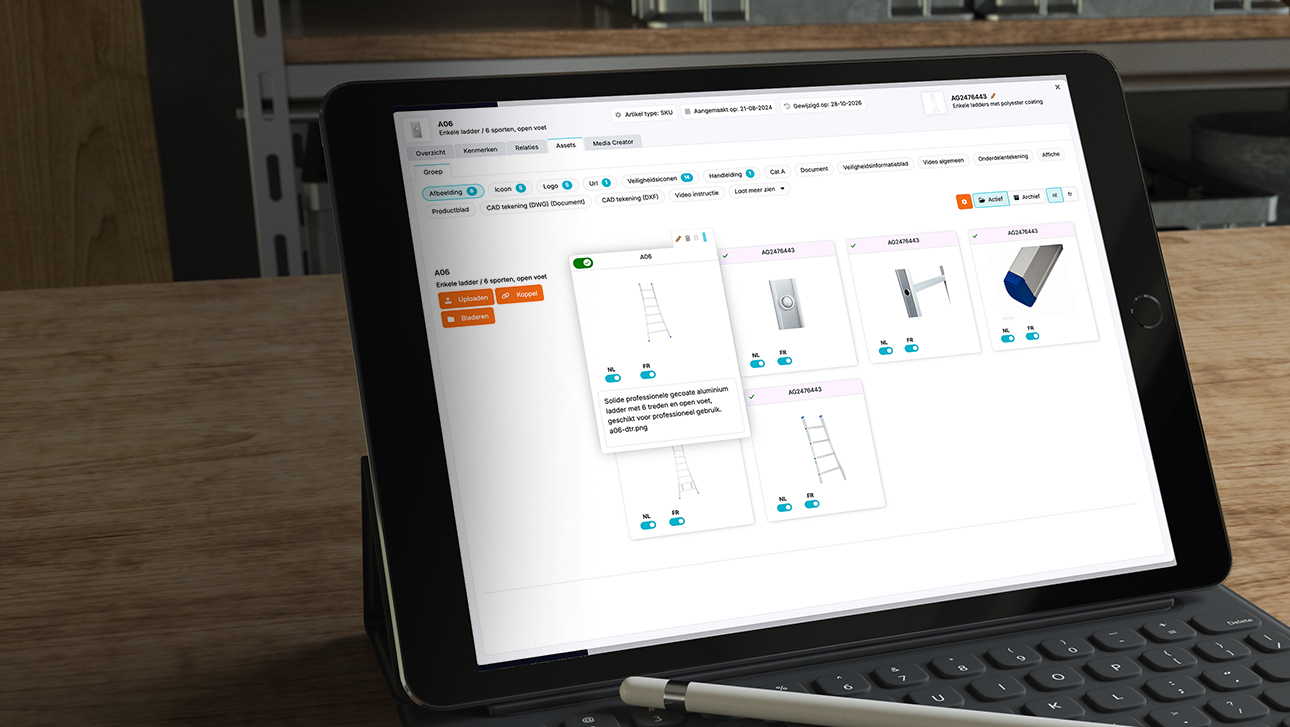
Organize your files using your own categories or categories supplied by a data pool. In the product asset overview, you can see which assets are linked to which products, including information such as item number, file name, and status.
Professional product content
In no time.
-
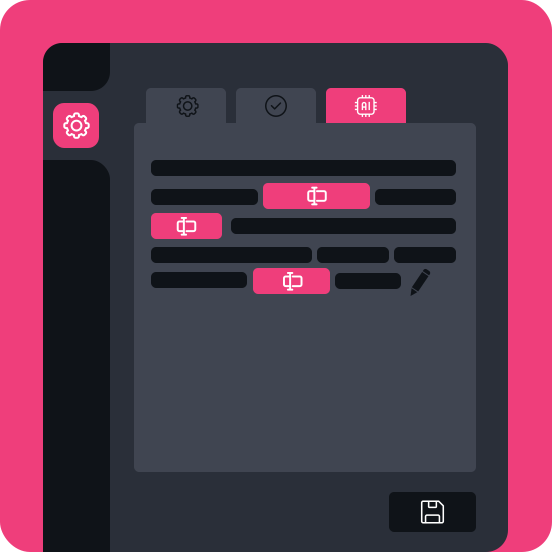
1. Prompt builder
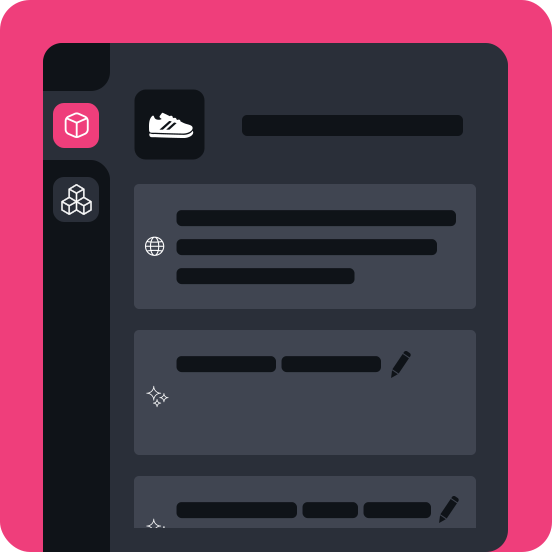
 Create custom prompts for any input field, tailored to your specific needs
The Prompt Builder allows you to generate any type of content by integrating it behind input fields in the system. It offers full control, letting you build exactly what you need, from product descriptions to detailed specifications. This tool adapts to any requirement, making content creation faster and more efficient.
-
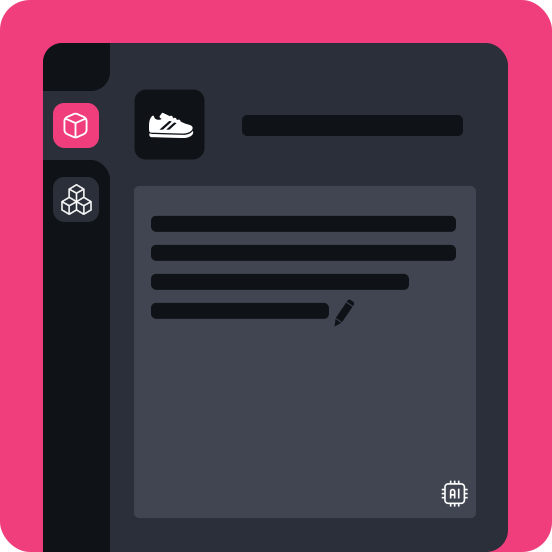
2. Product-level data generation
Instantly generate accurate data or text for individual productsWith this tool, you can generate tailored content at the product level, ensuring that each item has the right details. Whether you need technical information, descriptions, or marketing copy, the AI adapts to your input to deliver accurate, personalized results in seconds.
-
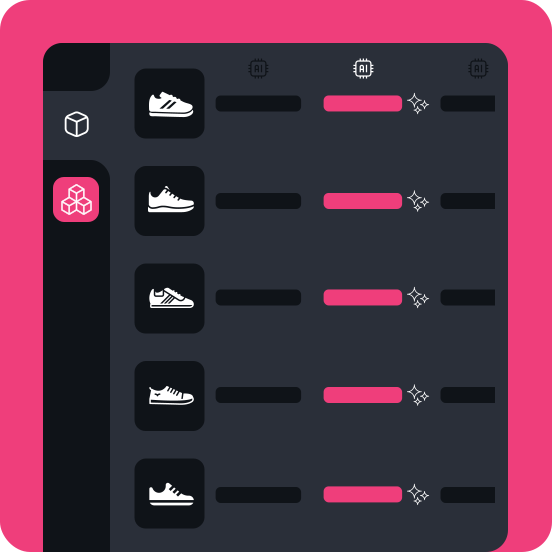
3. Data generation at group level
Generate bulk content for multiple products at onceWith this feature, you can create text or data for 50 products at once, making content creation faster and more consistent. It is ideal for producing marketing copy, SEO content, or product descriptions in large quantities, reducing manual effort and speeding up workflows.
-
4. Multilingual translation
Translate directly from any languageEasily translate content for individual products or entire groups into multiple languages at once. This tool streamlines multilingual content creation, helping you serve global markets quickly and efficiently while maintaining consistency.
-
Upcoming AI applications
 Stay up to date with more innovations
Exciting AI features are on the way. Our commitment to innovation means continuous improvements and new features to keep you ahead in the PIM system.

One source.
Unlimited publications.
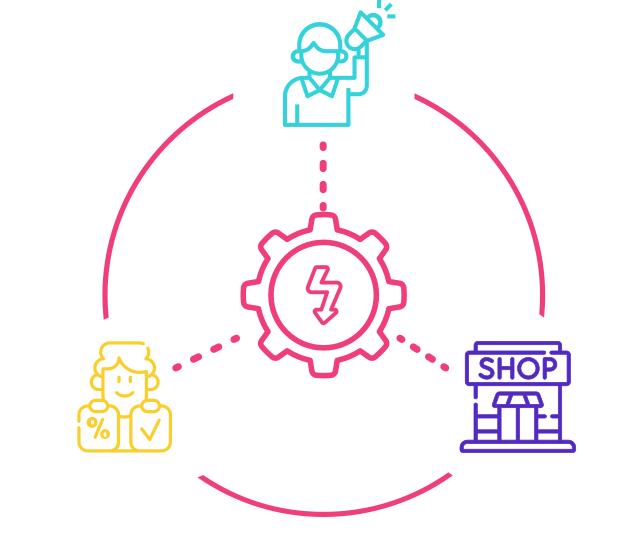
Manage product information in one central location and automatically generate sales, marketing, and POS materials from the same centralized product data.
Print and digital
Generate publications in your brand style for both print and digital channels using the same templates and product information.
Always up to date
When product information changes, publications are automatically updated with the latest approved data, without manual updates.
Frequently asked questions
Do you have a question about the assets module in the PIM system?
Chances are you’ll find the answer in our frequently asked questions. We’ve put together a clear list of the most common questions and answers so you can quickly find the information you need.
Can’t find your question? Feel free to contact us. We’re happy to help.
-
In Pimmix, you can centrally manage different types of files, such as product images, icons, logos, manuals, and technical drawings. You can link these assets to specific products, product clusters, or SKUs. This keeps all relevant product information, including associated files, neatly together.
-
Yes! You can link one asset to multiple products. This is useful, for example, when different products use the same manual, image, or icon. You don't have to upload the file again each time. This prevents duplicate files and keeps asset management organized.
-
Yes. In Pimmix, you can create your own categories to organize your files logically. For example, you could create separate categories for product images, manuals, technical drawings, and logos. This makes it easy to find the right files and stay organized, even when working with large numbers of assets.
-
You can view the assets associated with a product. This shows you which images, documents, manuals, and other files are linked to the item. This makes it easy to check whether all the necessary files are present and the correct product information is available.
-
Yes. You can manage and process multiple files at once. This means you don't have to add assets one by one. This is especially useful when, for example, you import a large product range or receive many new product images and documents from a supplier all at once. By processing files efficiently and linking them to products, you save time and avoid unnecessary manual work.