
Secure login starts with 2FA
 4-11-2026
Digital security? Take that extra step. Online security is an issue that demands increasing attention. Data breaches, hacked accounts and leaked login credentials show that a username and password alone do not always provide sufficient protection.
A secure account starts with good security.
A strong password is an important first step, but it does not always provide sufficient protection. If someone manages to discover your password, they may try to access your account. That is why we recommend enabling two-factor authentication (2FA). This adds an extra layer of security to your account and reduces the risk of unauthorized access.
What is two-factor authentication (2FA)?
With two-factor authentication, you confirm your identity in two different ways when you log in. In addition to your usual username and password, you complete a second verification step. This means that someone with only your login credentials cannot simply access your account. So even if your password falls into the wrong hands, 2FA provides extra protection.
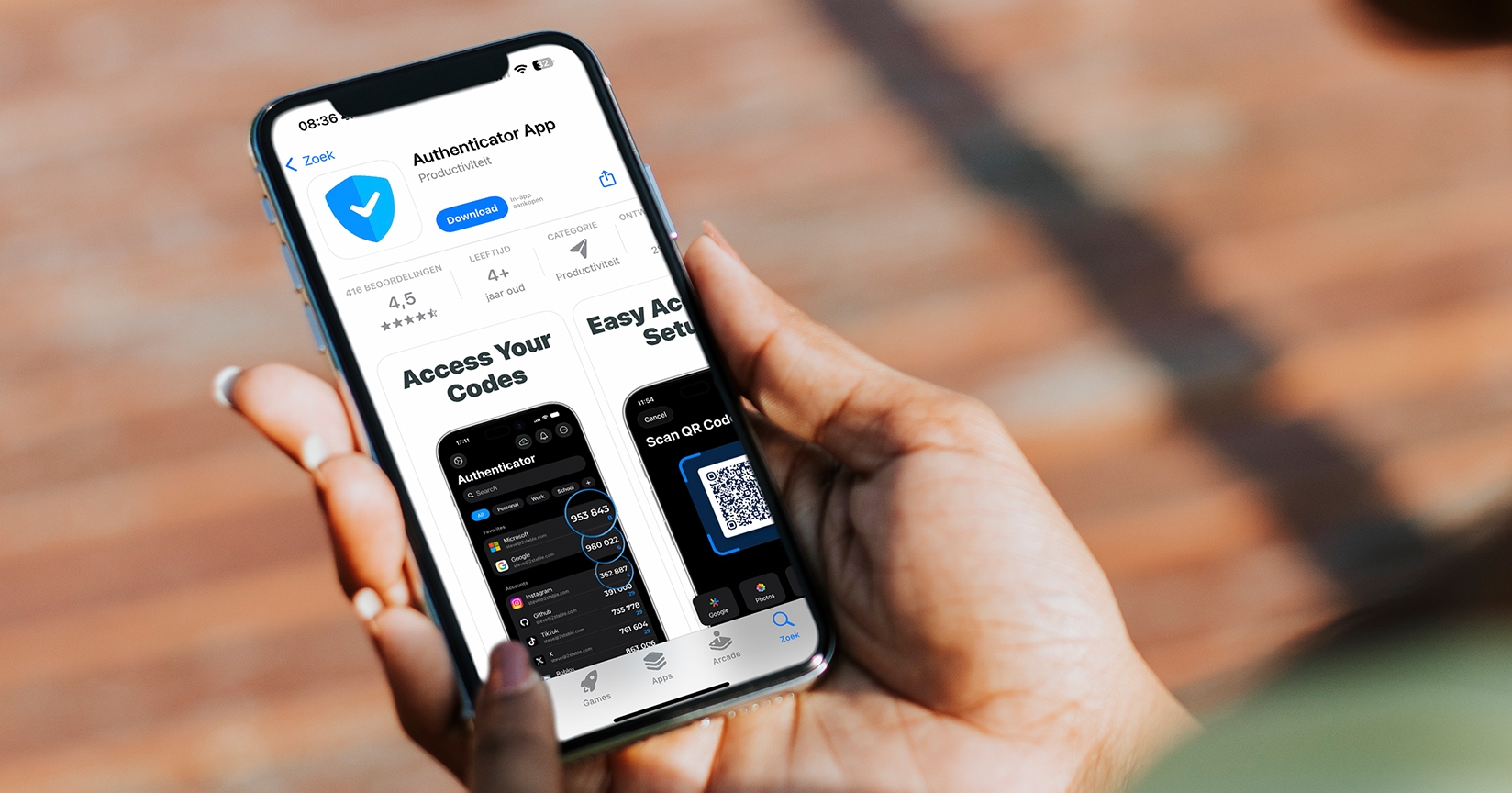
How does two-step verification work in practice?
With two-step verification, you confirm your identity in two separate steps. The first step is entering your username and password. The second step is an additional check, such as a verification code.
- Enter your username and password.
- Receive a verification code or generate one using an authenticator app.
- Enter the code to confirm your identity.
- Once verification is successful, you can access your account.
The extra step takes very little time, but makes an important difference to the security of your account.
What if you no longer have access to your verification method?
Do you use an authenticator app on your phone? If so, it is important to prepare for situations in which you temporarily cannot access this device. For example, you might lose your phone, it might stop working, or you might switch to a new smartphone.
Make sure you know in advance what recovery options are available. Store any recovery codes in a safe place, and contact your organization’s administrator or support department if you have problems. Never share your verification codes or recovery information with others.
Working together for digital security
At Intermix, the security of our software and our customers’ data is our top priority. We remain committed to securing our solutions, which is why we offer the option to set up two-factor authentication.
Our advice? Use it!
By enabling 2FA, you too can help create a more secure digital work environment.
How do you set up 2FA?
You can easily enable 2FA yourself through your user account settings.
Follow the steps below:
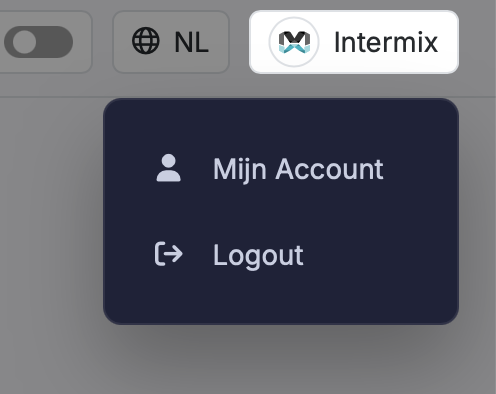
1. Click your account name in the top right corner.
2. Select My Account from the menu.
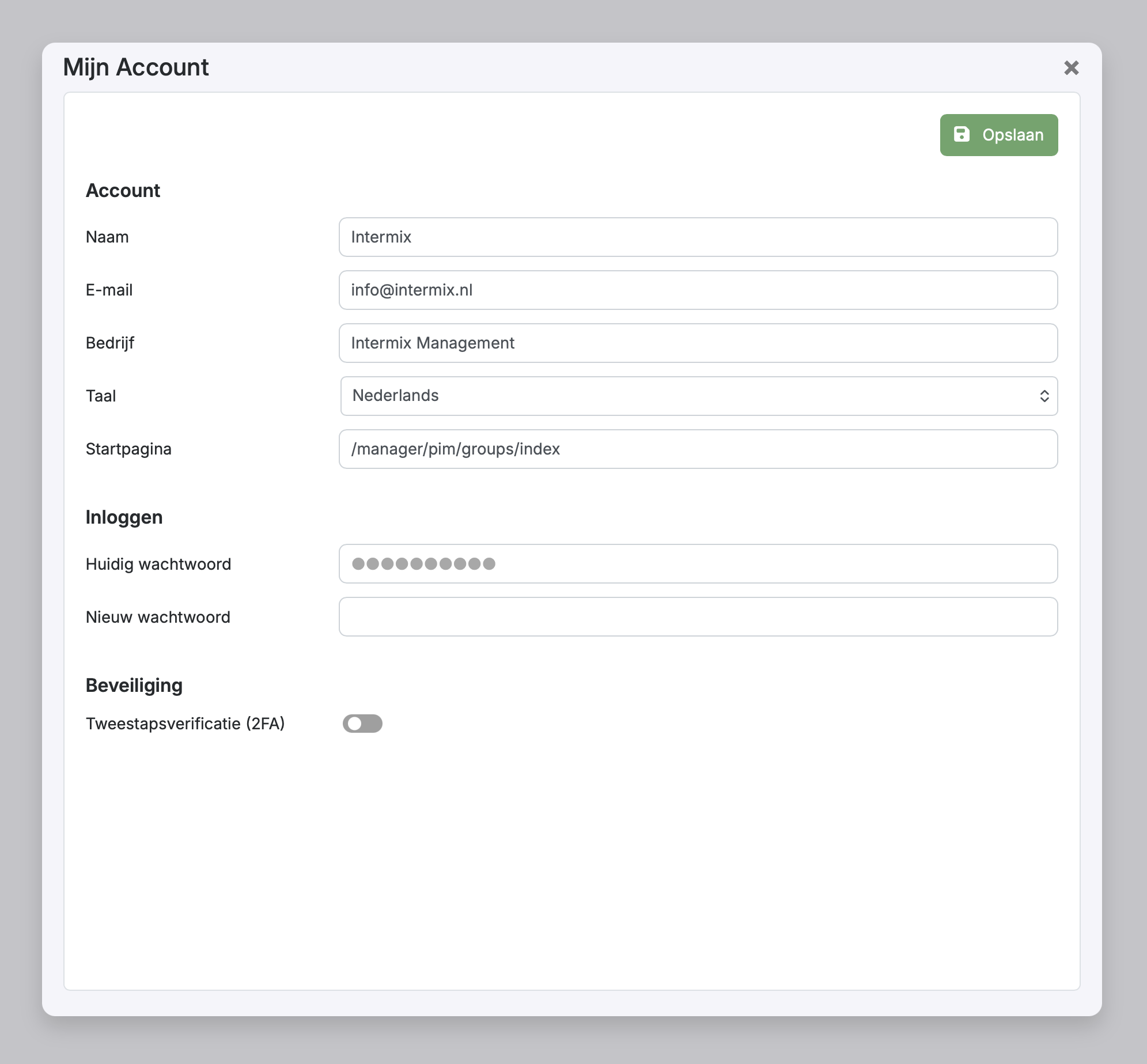
3. In the account window, go to the Security section.
4. Enable the Two-step verification (2FA) option.
5. Open an authenticator app on your phone, such as Google Authenticator or Microsoft Authenticator.
6. Scan the QR code with your authenticator app. Alternatively, you can enter the displayed key manually.
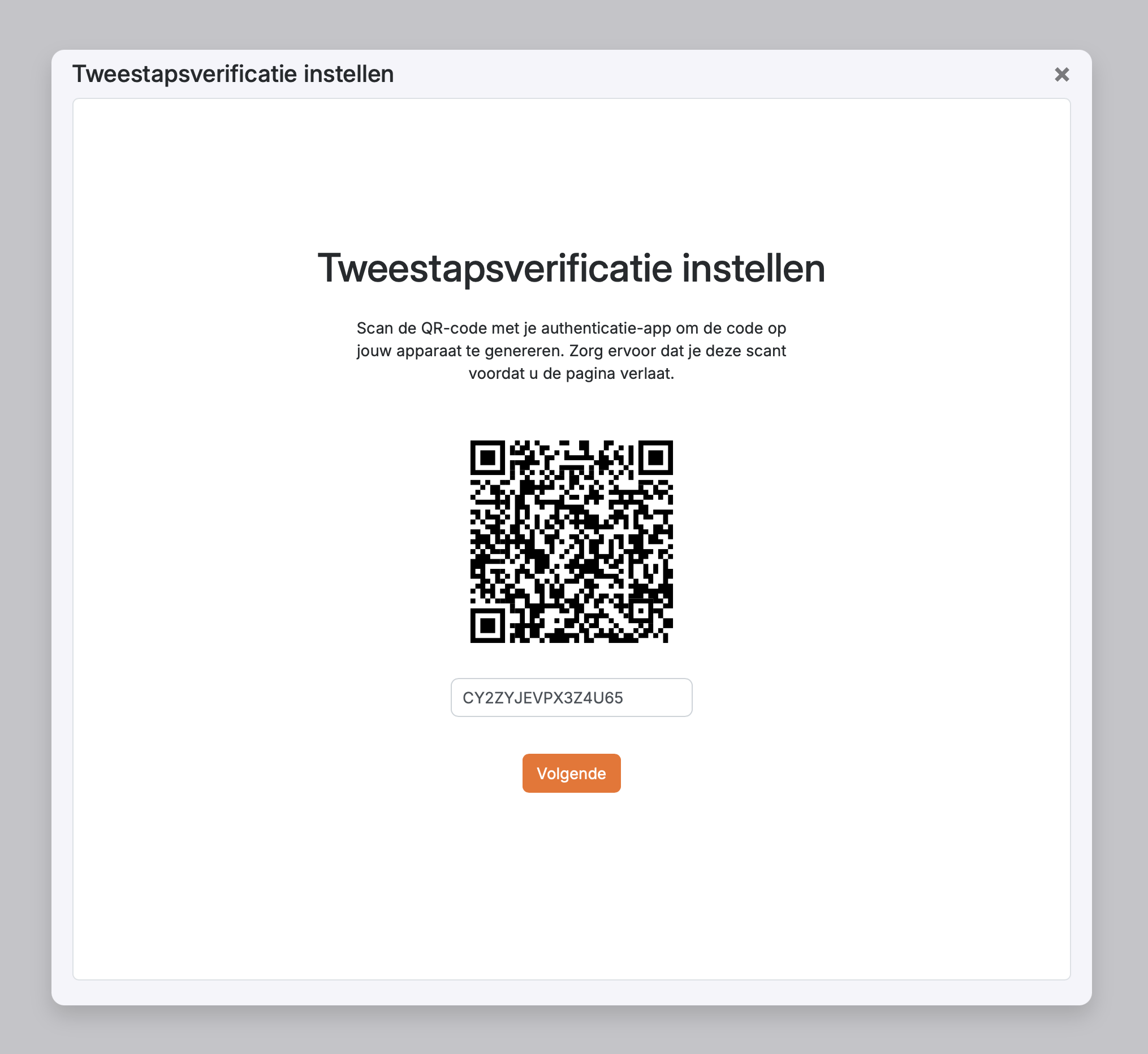
7. Click Next. A field will appear where you can enter the 6-digit verification code from your authenticator app.
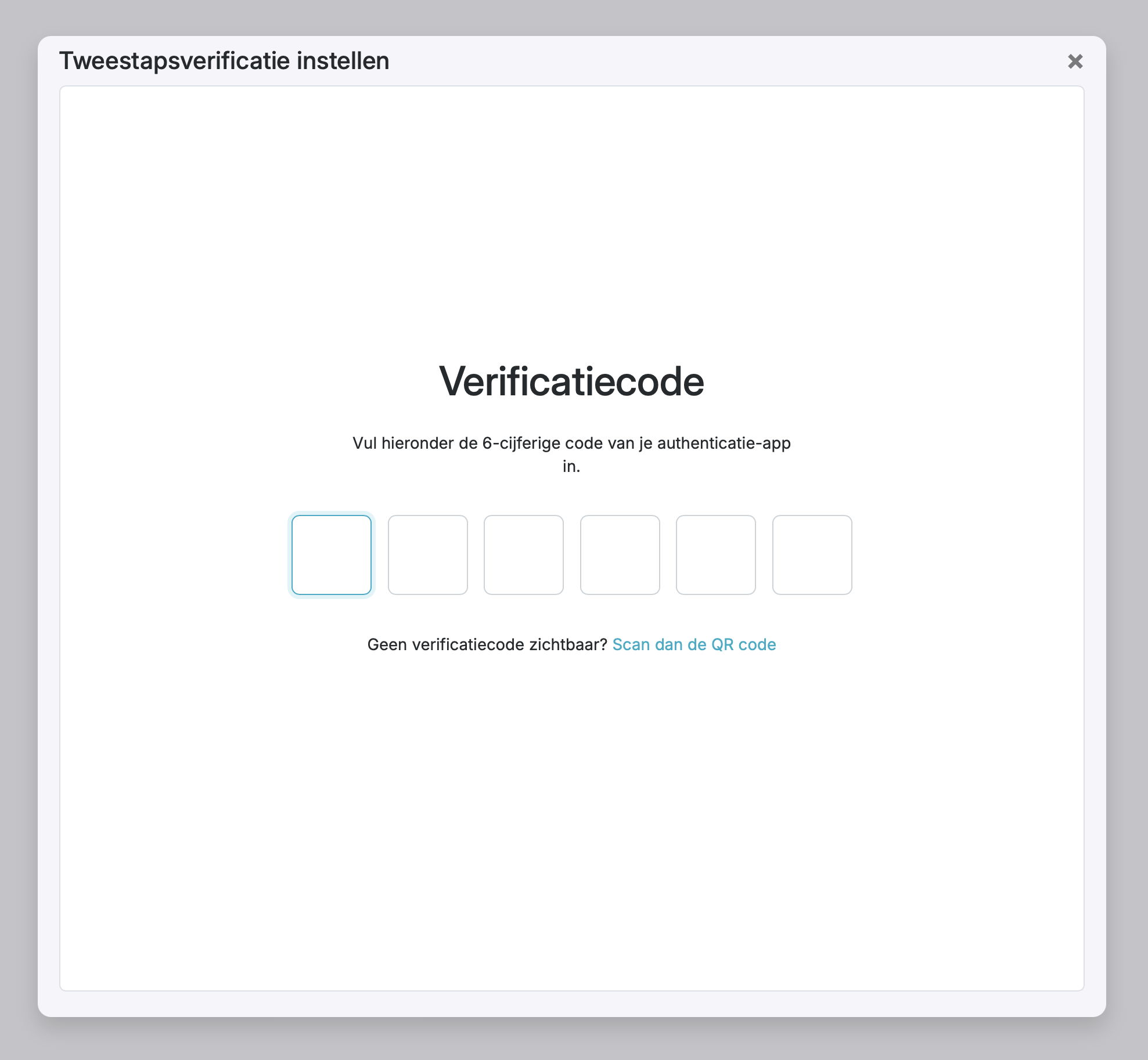
8. Click Save to activate two-step verification (2FA).
From now on, each time you log in, you will be asked to enter the verification code from your authenticator app as well as your password.